
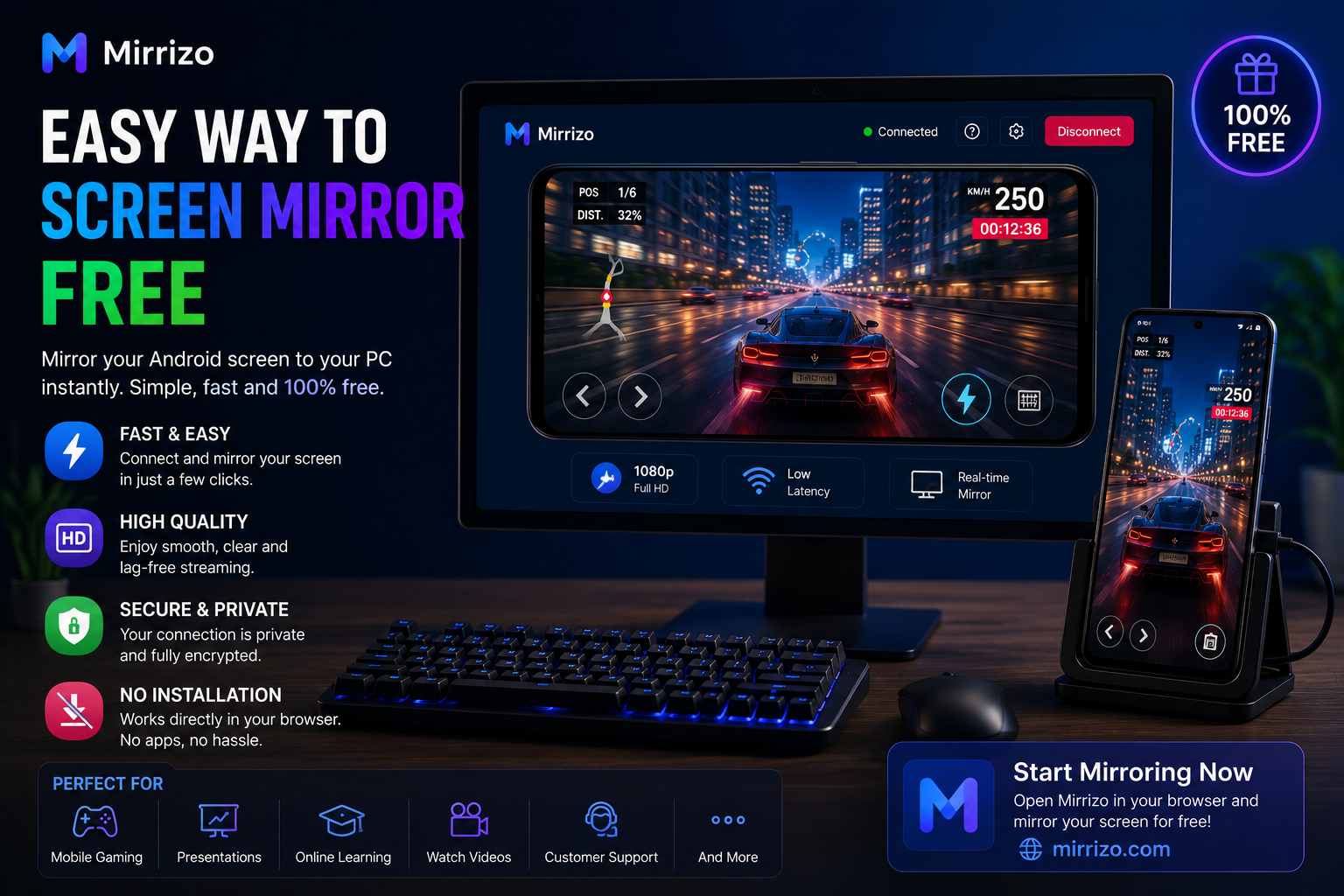
Easy Way to Screen Mirror Free with Mirrizo
Finding an easy way to screen mirror free shouldn't require downloading complicated software or spending time on lengthy setup processes. Whether you want to play mobile games, share presentations, watch videos, or display your phone on a larger monitor, the process should be simple.
That's exactly what Mirrizo is designed to deliver.
Mirrizo provides a modern, browser-based screen mirroring experience that helps you display your Android phone on your PC quickly and easily. If you're looking for a reliable screen mirror app, an efficient mobile to PC screen share solution, or an easy way to mirror your phone screen to your computer, this guide will help you get started.
---
Why More People Are Using Screen Mirroring
Screen mirroring has become one of the easiest ways to use a mobile device on a larger display.
People commonly use it for:
- Playing mobile games
- Online meetings
- Teaching and presentations
- App development and testing
- Watching movies and videos
- Sharing photos with friends and family
- Product demonstrations
- Technical support
A larger display makes everything easier to see while improving comfort during long sessions.
---
Why Choose Mirrizo?
Mirrizo focuses on simplicity without sacrificing performance.
Instead of installing multiple desktop applications, you simply open the website and start your screen mirroring session.
Key Features
- Easy mobile to PC screen mirror
- Browser-based screen mirroring
- Fast and simple setup
- High-quality display
- Modern user interface
- Android screen on PC
- Clean viewing experience
---
How to Screen Mirror Your Phone for Free
Follow these simple steps to start using Mirrizo.
Step 1: Visit Mirrizo
Open the Mirrizo website in your preferred web browser on your computer.
Step 2: Connect Your Android Phone
Follow the connection instructions shown on the website to connect your Android device.
Step 3: Allow Screen Mirroring
When your phone requests permission, approve the screen mirroring connection.
Step 4: Start Mirroring
Once connected, your phone screen will appear on your PC.
You can now browse apps, watch videos, give presentations, or play mobile games on a much larger display.
---
Common Screen Mirroring Problems
Most users want a smooth experience. Here are some common issues and simple solutions.
Slow Connection
If the mirrored screen feels slow:
- Close unnecessary background apps.
- Keep your browser updated.
- Use a stable connection.
Screen Delay
If you notice lag while using your phone:
- Reduce background activity.
- Avoid running heavy applications simultaneously.
- Keep your device updated.
Audio Problems
If the sound doesn't match the video:
- Restart the mirroring session.
- Check your device's audio settings.
Connection Drops
If the connection stops unexpectedly:
- Reconnect your device.
- Ensure your phone remains connected throughout the session.
---
Best Uses for Mirrizo
Mirrizo works well for many everyday situations.
It is popular among:
- Students
- Teachers
- Gamers
- Developers
- Business professionals
- Customer support teams
- Content creators
- Remote workers
Whether you're sharing a presentation or enjoying a game, Mirrizo helps make the experience easier.
---
Pro Tips for the Best Screen Mirroring Experience
To get the best results:
- Keep your browser up to date.
- Close apps you're not using.
- Use Full Screen mode for presentations or gaming.
- Keep your phone charged during long sessions.
- Restart your browser occasionally for optimal performance.
These small improvements can make your screen mirroring session smoother and more reliable.
---
Why Browser-Based Screen Mirroring Is Growing
More users now prefer browser-based screen sharing because it removes unnecessary installation steps.
Instead of downloading large desktop programs, you simply access the service through your browser and begin mirroring.
This approach is especially useful for users searching for:
- **Screen Mirroring**
- **Screen Mirror App**
- **Mobile to PC Screen Share**
- **Android Screen on PC**
- **Mirror Phone Screen in Browser**
- **Cast Android to PC**
- **Online Screen Mirroring**
Mirrizo combines these features into one clean and modern experience.
---
Frequently Asked Questions
Is Mirrizo free to use?
Mirrizo is designed to provide an easy browser-based screen mirroring experience. Visit the website for the latest feature availability.
Can I mirror my Android phone to my PC?
Yes. Mirrizo allows you to display your Android phone screen on a PC through a supported browser.
Do I need to install software?
Mirrizo focuses on a browser-first experience, reducing the need for traditional desktop applications.
What can I use screen mirroring for?
You can use screen mirroring for gaming, presentations, online classes, app testing, video playback, and much more.
---
Final Thoughts
If you're searching for an easy way to screen mirror free, Mirrizo offers a clean, fast, and browser-based solution.
From mobile gaming and online meetings to education and entertainment, Mirrizo helps you share your Android screen on a larger display with minimal effort.
Experience a smarter and simpler way to screen mirror with Mirrizo today.