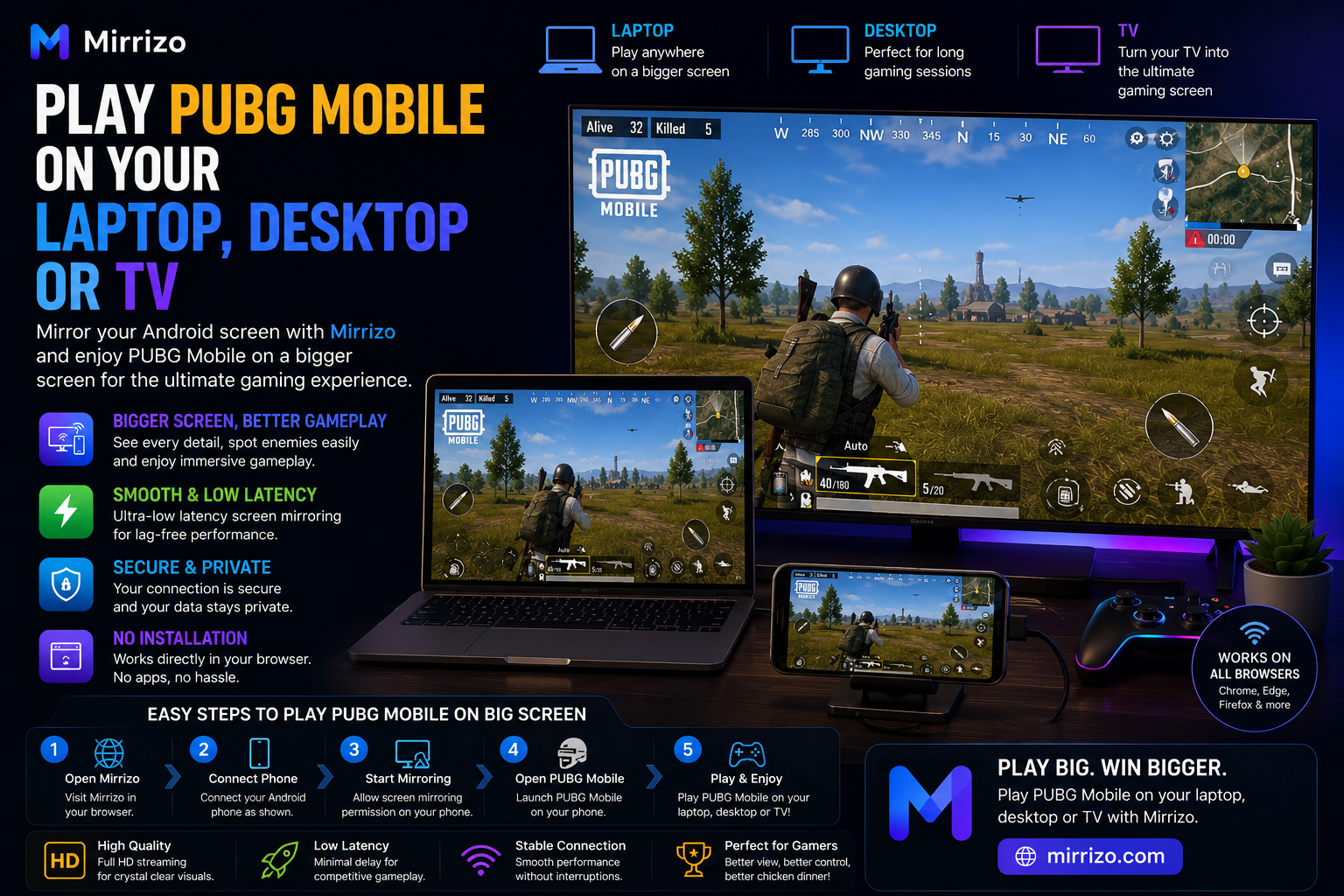
Play PUBG Mobile on Your PC or TV with Mirrizo
Learn how to play PUBG Mobile on your laptop, desktop, or TV using Mirrizo screen mirroring. Enjoy a bigger screen in minutes.
Read More
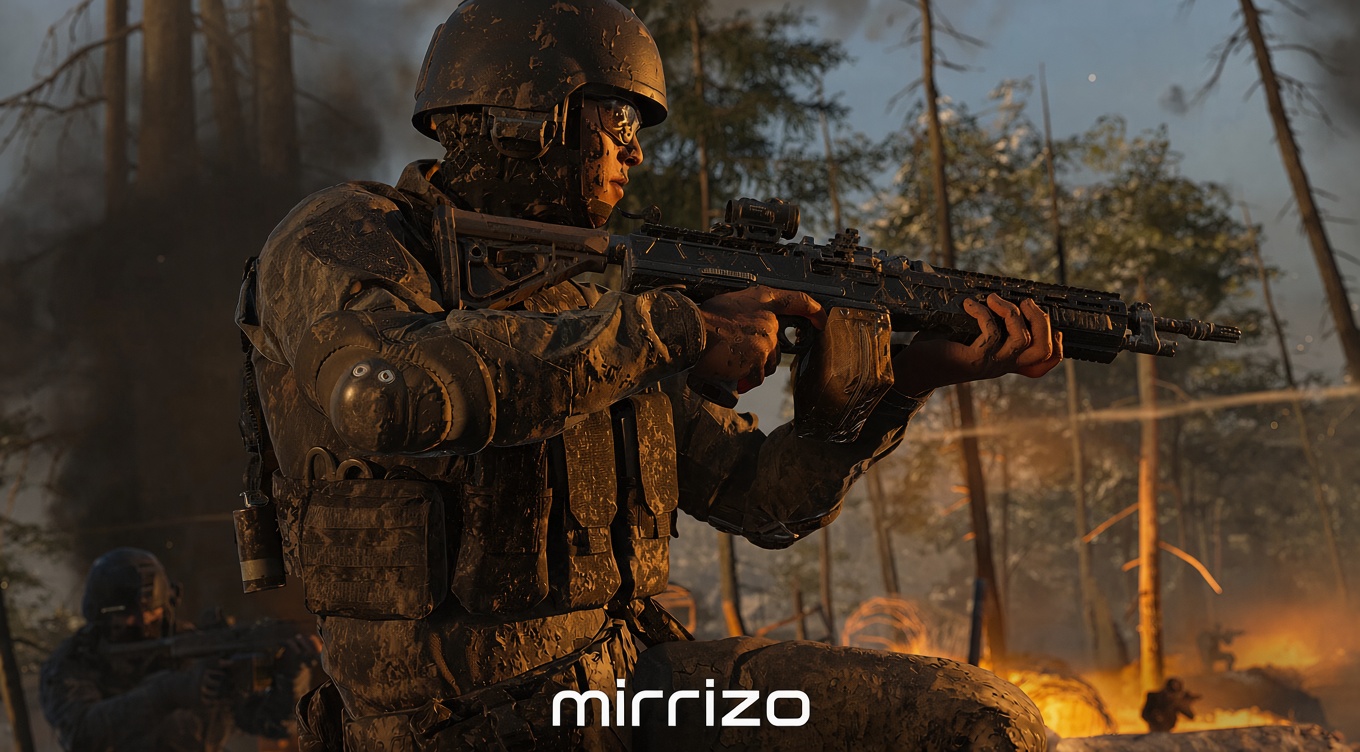
Call of Duty: Modern Warfare 4 launched worldwide on October 23, 2026. If you want Call of Duty gameplay on a bigger screen without installing the full PC game, you can run Call of Duty: Mobile on an Android phone and mirror its screen to a PC or laptop using Mirrizo. This browser-based workflow does not require a separate desktop mirroring app for supported USB setups.
Important: Mirrizo displays the mobile game running on your phone; it does not turn Call of Duty: Mobile into the full PC version of Modern Warfare 4.
Modern Warfare 4 includes a campaign, multiplayer, and DMZ extraction gameplay. Its PC release and Call of Duty: Mobile are separate games with different requirements. The full PC version must be installed and run on compatible hardware; Mirrizo displays the mobile game instead.
Mirrizo is a browser-based Android mirroring tool. It displays your phone on a compatible PC or laptop using a USB cable and supported desktop browser while the game continues running on the phone.
Once connected, launch or return to Call of Duty: Mobile on your phone. The game remains installed and running on the phone while Mirrizo displays it on the larger screen.
You need internet to open Mirrizo and load its page initially. During USB mirroring, screen data travels through the cable rather than being continuously streamed over the internet as a video. As a result, the mirroring connection itself can use very little additional internet data after the page loads.
In typical sessions, Mirrizo's USB mirroring activity may use less than 1 MB of internet data per hour. This is an estimate, not a guaranteed limit. Browser activity, page resources, refreshes, and background services can affect usage.
Important: Call of Duty: Mobile requires an internet connection for online play. USB mirroring does not make the game offline. You still need Wi-Fi or mobile data for matches, login, and online services. The low-data estimate applies to the mirroring layer, not to the game itself.
A larger display can make gameplay easier to see or share. Mirrizo provides browser-based access without a separate desktop mirroring app for compatible USB setups, and screen data travels through the cable rather than local Wi-Fi.
Where supported, keyboard and mouse controls, Game Mode, and adjustable buttons can make interaction more convenient. Results depend on the phone, browser, game, and available controls; mirroring does not provide PC-level graphics or guarantee native PC controls.
If the phone is not detected, check USB debugging and approve the connection prompt. Use a data-capable cable, try another port, and close software that may already be using USB. Check browser compatibility and permissions, and keep the phone charged during longer sessions.
Yes. Modern Warfare 4 launched worldwide on October 23, 2026, for supported platforms.
No. Mirrizo mirrors an Android phone's screen. It does not run the full PC version or replace its installation requirements.
You can display Call of Duty: Mobile in a compatible laptop browser through USB mirroring, but the game still runs on your phone.
The mirroring connection uses USB, but opening the website requires internet. Call of Duty: Mobile also requires internet for online play.
Mirroring may use less than 1 MB per hour in typical sessions, but usage varies and excludes the online game and background activity.
No separate desktop mirroring app is required for the supported USB workflow. You need a compatible browser, data cable, and USB debugging permission.
Modern Warfare 4 is available worldwide, but its full PC release and Call of Duty: Mobile are different games. To view mobile Call of Duty gameplay on a larger screen without installing a separate desktop mirroring app, use Mirrizo's browser-based USB connection. Your phone runs the game and the cable carries the mirrored screen. Mirroring can use very little additional internet data, but online Call of Duty: Mobile still needs an internet connection. For a smoother setup, use a reliable data cable, supported browser, and trusted computer.